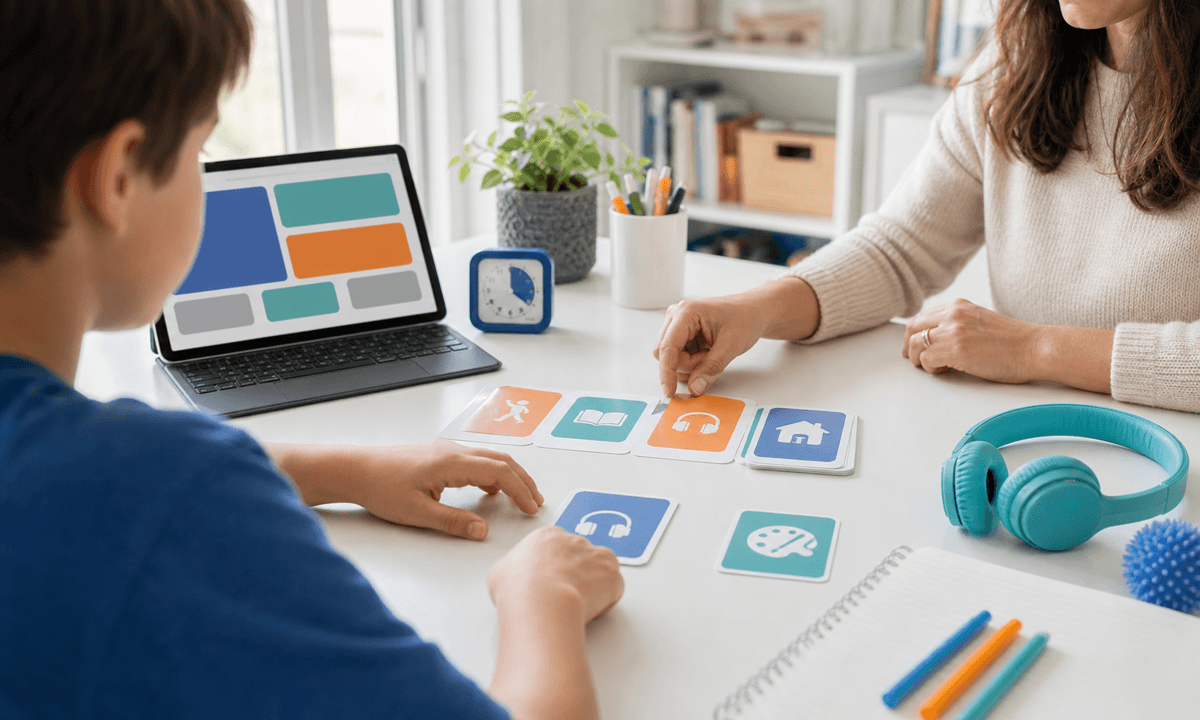
Parents usually do not need one giant app that tries to do everything. They need clear roles: what keeps the learning week serious, and what turns finished core work into curiosity, invention, stories, design, and creative AI projects.
That is the strongest way to use SchoolQuest AI with Little AI Minds. SchoolQuest AI should own the homeschooling or worldschooling rhythm: weekly plan, short missions, mastery checks, portfolio proof, parent review, and the calm question of what should happen next.
Little AI Minds should stay the broader creative AI lab. After the core learning loop is done, a child can turn a science idea into a poster, a geography topic into a story world, an animal study into a mini book, or an AI Literacy question into a supervised creative project.
This split matters for gifted and high-IQ learners, ADHD learners, autistic learners, neurodivergent children, and mixed-pace families. The same child may need structure in writing, more challenge in mathematics, a visual rhythm for transitions, and wide creative space once the essentials are complete.
For expat, digital-nomad, and worldschooling families, the two-app path also keeps records cleaner. SchoolQuest AI can hold the weekly evidence trail while Little AI Minds holds the creative artifacts that show interests, projects, and voice.
The boundary is important: AI should not become a babysitter, a legal compliance promise, or a shortcut around real understanding. SchoolQuest AI keeps the parent in charge of the learning path. Little AI Minds extends the imagination once the parent-controlled core is anchored.
A simple first week could look like this: three to five SchoolQuest learning blocks for mathematics, reading, writing, science, and world context; then one Little AI Minds creative extension that turns the week into something the child can proudly show.
That is why the best paid setup for many families is not either SchoolQuest AI or Little AI Minds. It is SchoolQuest AI for the structured learning week, plus Little AI Minds as the creative AI studio around it.
Next decision
Turn a guide into a concrete family step
Choose the next route based on what you are deciding now: a first calm week, complete Grade 1-6 coverage, family fit before an invitation, or phone/tablet use for gifted/high-IQ, ADHD, autistic, 2e, and mixed-pace learners.
Start with one calm week
Use the starter guide when your family needs a practical rhythm for attention, confidence, sensory load, and different learning paces before changing everything.
Open starter guideCheck full primary coverage
Open the program map when you need to see how math, reading, writing, science, geography, projects, life skills, and portfolio evidence fit together.
Open program mapUse both apps as one family path
Use SchoolQuest AI for weekly rhythm, mastery checks, records, and parent review. Add Little AI Minds when core learning is done and a bigger creative AI project makes sense.
See the family bundle pathDecide whether SchoolQuest fits now
Review the fit signals families should understand before joining: High-IQ, ADHD, autism, 2e, mixed learning styles, boundaries, help rhythm, and what should be clear before any paid access.
Review family fitTry the app surface on devices
Use the install page when you want the learning area and parent view on a phone or tablet while articles, pricing, and legal information stay in the browser.
Open install guideAI Homeschooling Starter Guide
Get the starter guide
Join the guide list and we will use this interest signal to send the right next steps.