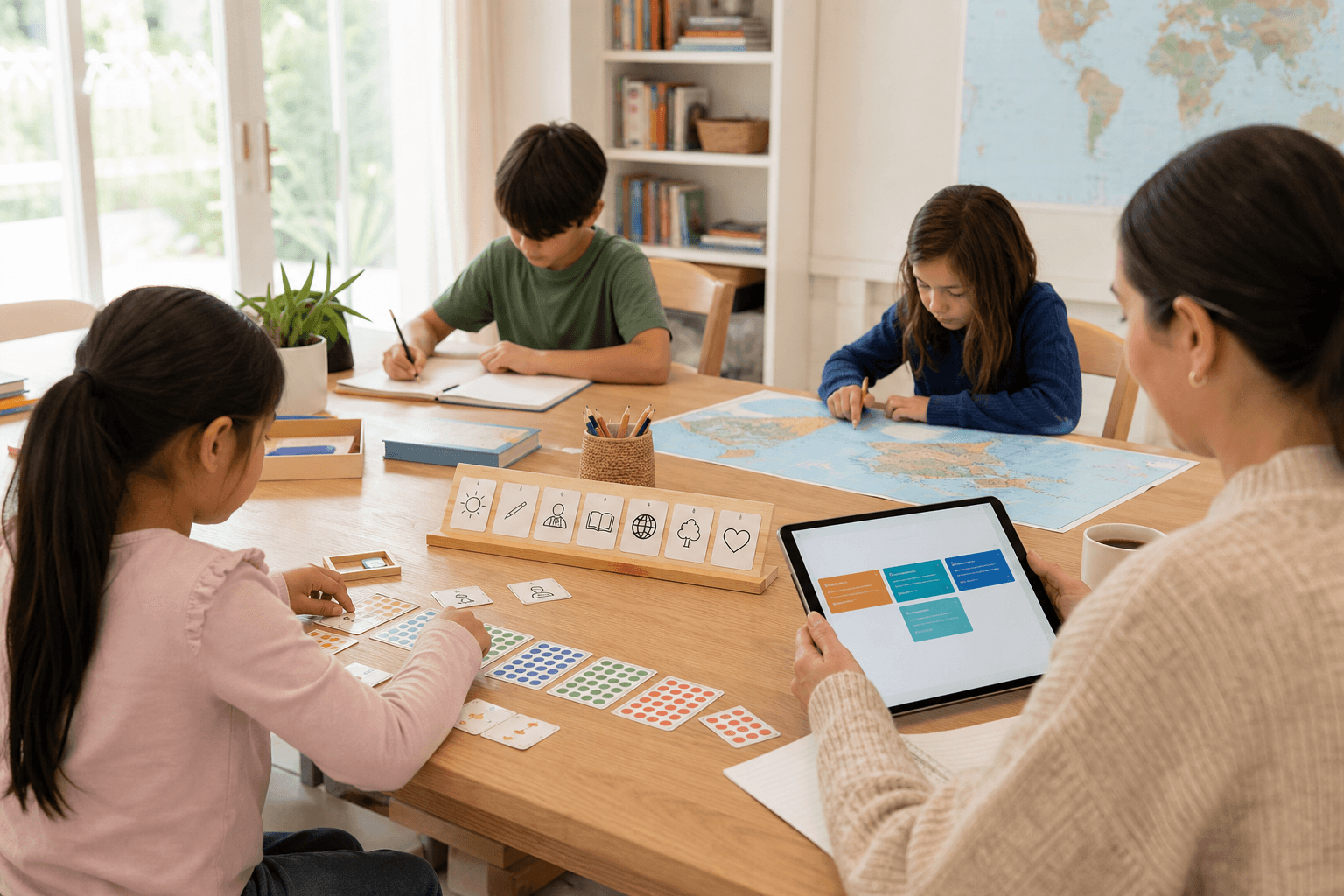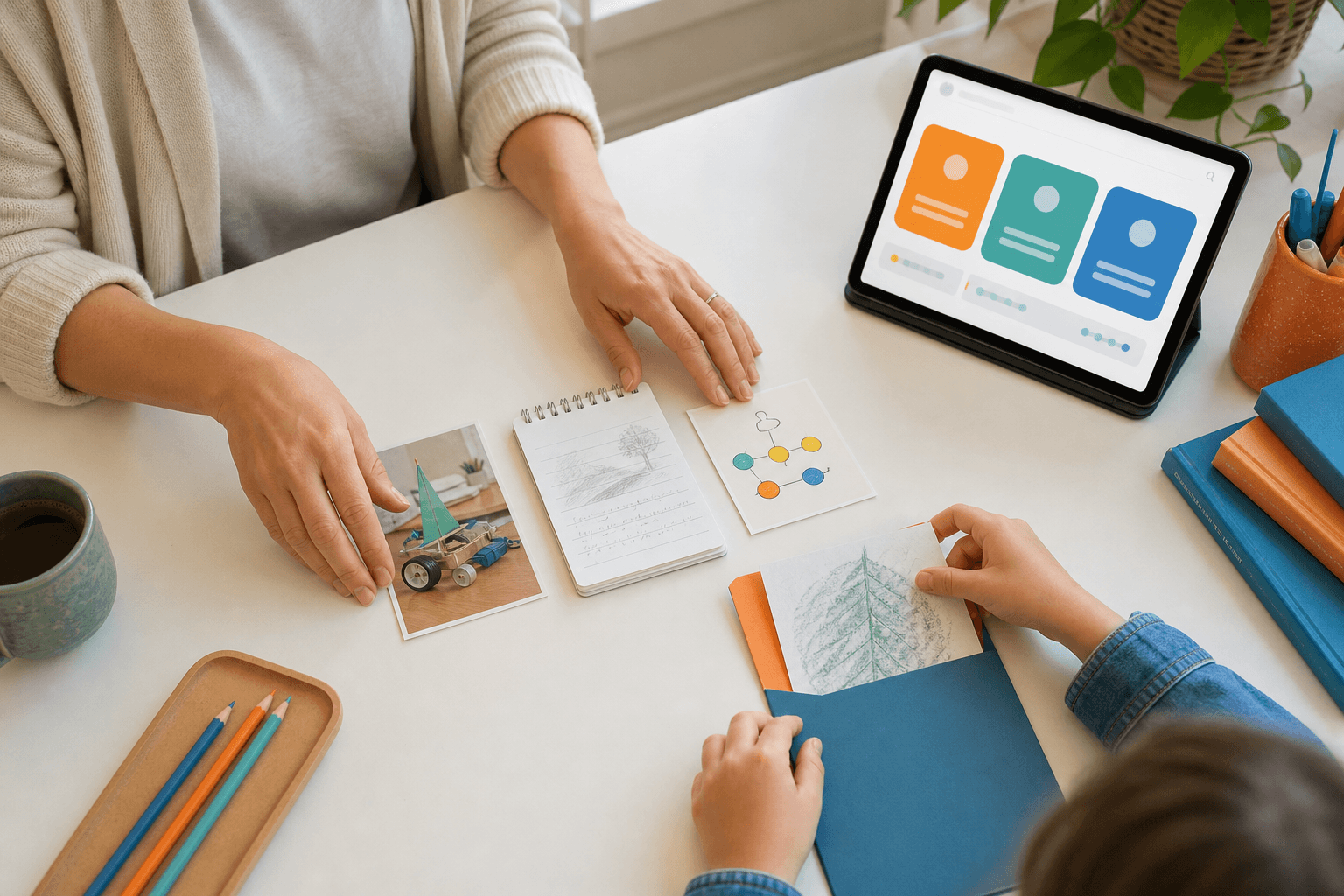
A balanced portfolio should show more than completed worksheets. It should make the child’s learning visible across the main areas a family actually cares about.
For a portable homeschool record, five buckets are enough to start: core academics, world context, science inquiry, creative projects, and life readiness. One photo, short reflection, session result, upload, or explanation can be valid evidence when it is dated and tied to a skill.
The point is not to document everything. The point is to notice gaps early. If math and writing are visible but science and practical life are missing, the next week can include one small experiment or real-world task instead of another pile of worksheets.
Next decision
Turn a guide into a concrete family step
Choose the next route based on what you are deciding now: a first calm week, complete Grade 1-6 coverage, family fit before an invitation, or phone/tablet use for gifted/high-IQ, ADHD, autistic, 2e, and mixed-pace learners.
Start with one calm week
Use the starter guide when your family needs a practical rhythm for attention, confidence, sensory load, and different learning paces before changing everything.
Open starter guideCheck full primary coverage
Open the program map when you need to see how math, reading, writing, science, geography, projects, life skills, and portfolio evidence fit together.
Open program mapUse both apps as one family path
Use SchoolQuest AI for weekly rhythm, mastery checks, records, and parent review. Add Little AI Minds when core learning is done and a bigger creative AI project makes sense.
See the family bundle pathDecide whether SchoolQuest fits now
Review the fit signals families should understand before joining: High-IQ, ADHD, autism, 2e, mixed learning styles, boundaries, help rhythm, and what should be clear before any paid access.
Review family fitTry the app surface on devices
Use the install page when you want the learning area and parent view on a phone or tablet while articles, pricing, and legal information stay in the browser.
Open install guideAI Homeschooling Starter Guide
Get the starter guide
Join the guide list and we will use this interest signal to send the right next steps.